
Welcome to WhoseDev
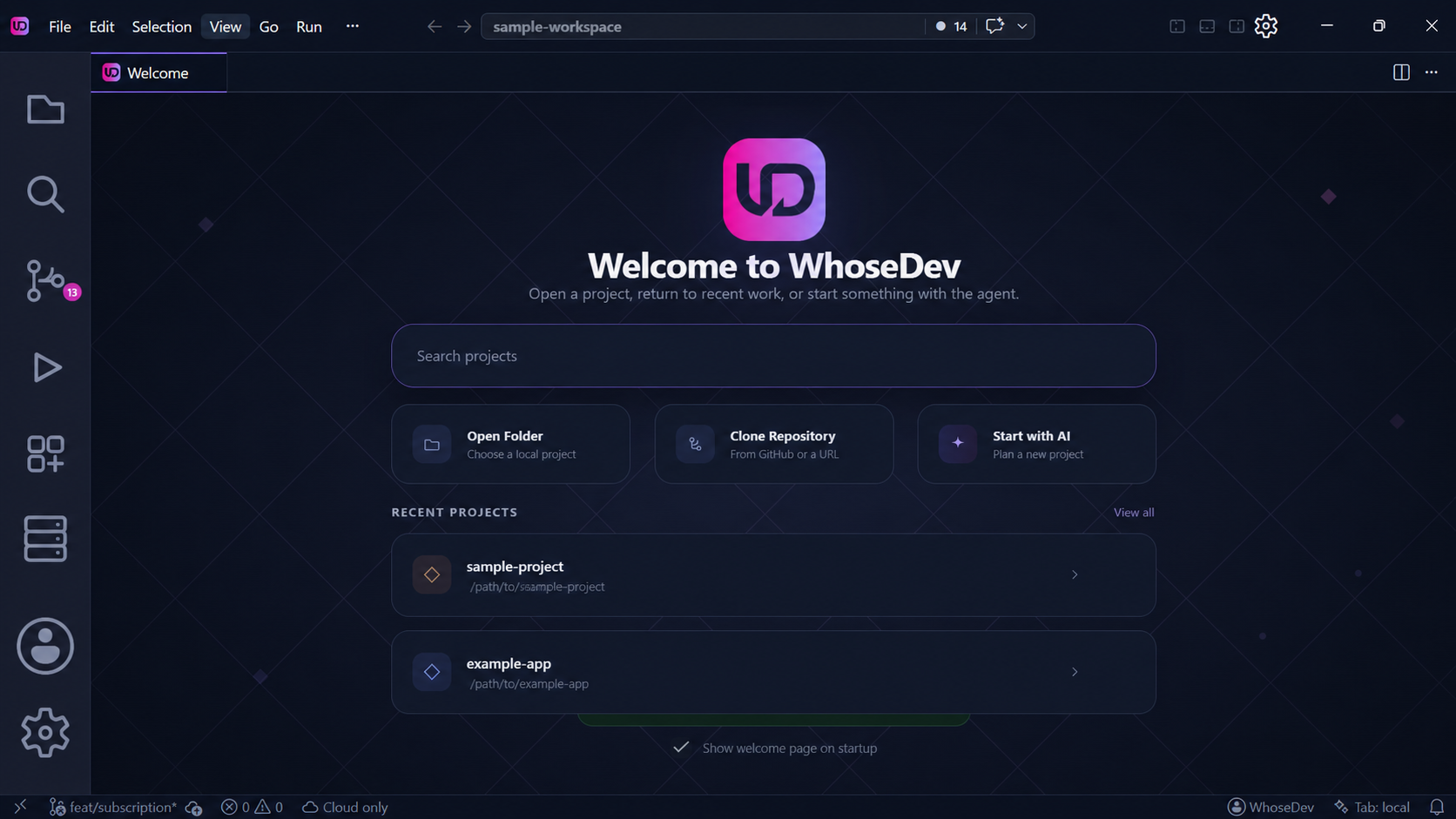
WhoseDev is a code editor for planning, building, and debugging software with AI assistance. It is built on a familiar editor foundation and gives you a choice of managed cloud models, your own provider, or local Ollama models.
Start here
Section titled “Start here”Install WhoseDevDownload the editor and complete the first-run setup.Set up your first workspaceOpen a project, understand the workbench, and choose an AI route.Ask WhoseDev AIUse Ask, Plan, and Act modes to work with your code.Choose a model routeCompare managed, direct-provider, and local AI.
What you can do
Section titled “What you can do”- Work in an editor with files, search, source control, terminals, debugging, and extensions.
- Ask AI to explain code, help plan a change, or act with tools when you choose that mode.
- Generate or rewrite code at the cursor with inline editing.
- Select where AI runs and who bills for it: WhoseDev, a provider you connect, or your local Ollama runtime.
Note: The available models and capabilities depend on your account, workspace, selected route, and local setup.